How to Remove Duplicate Facebook Entries from Motorola Droid Contacts

Categories: Guides, Mobile, Web

One mildly irritating bug I’ve noticed on my Motorola Droid is that some of my contacts accumulate duplicate Facebook profiles in their contact information.  Opening their contact information can show from 5-7 additional Facebook profiles, but they all open the correct profile page.
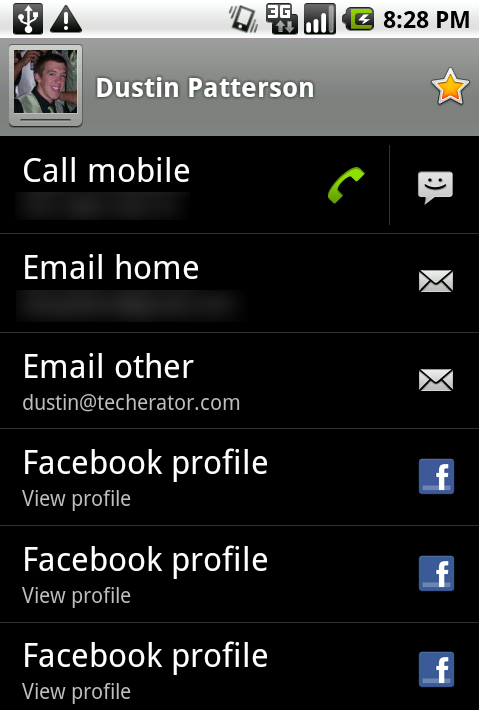
android-facebook-dupes-dupemain

Here’s a quick fix I came up with to remove the duplicates:

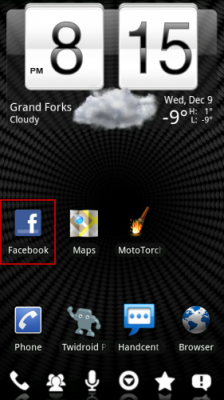
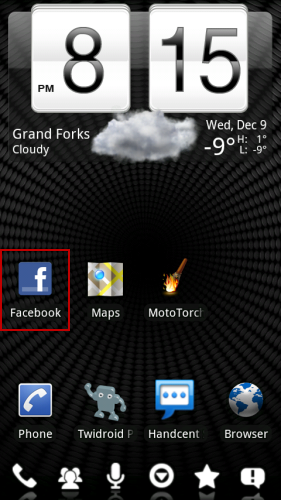
  1. Open the Facebook application.
    android-facebook-dupes-fb
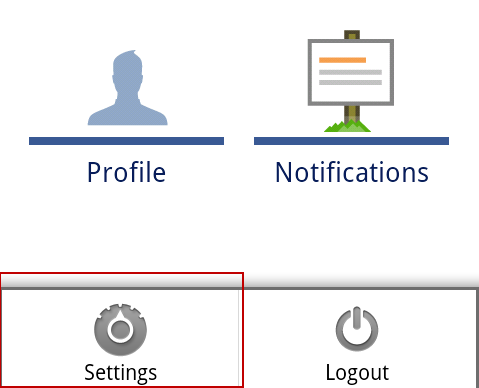
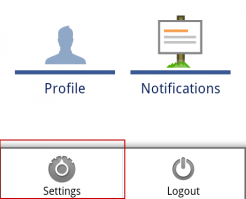
  2. Touch the Menu button and select Settings.
    android-facebook-dupes-settings
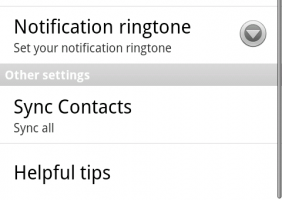
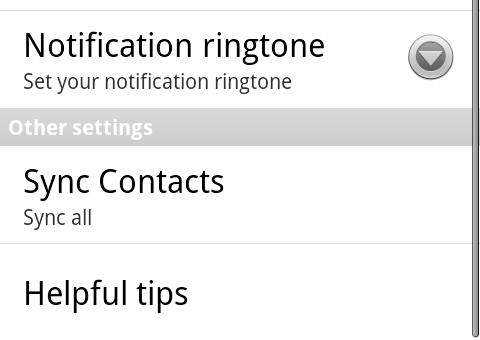
  3. Scroll down and touch Sync Contacts.
    android-facebook-dupes-menu
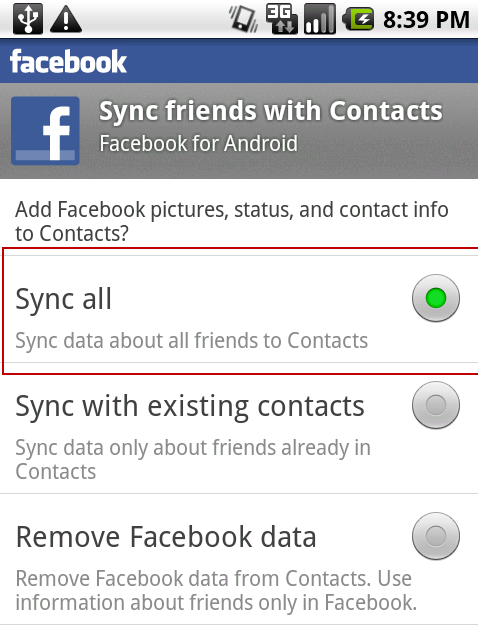
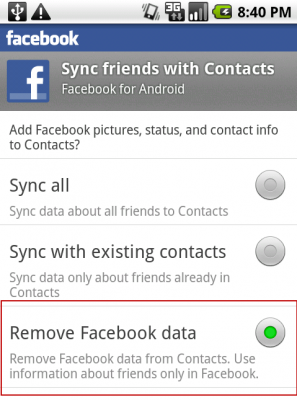
  4. Select Remove Facebook data.  This will delete all Facebook contacts from your phone (but don’t worry, they’re read-only and we’ll restore them in the next step).
    android-facebook-dupes-del
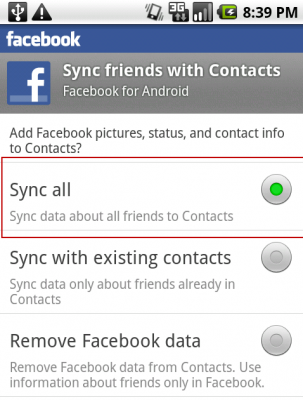
  5. Repeat the entire process but this time change the synchronization settings back to Sync all.
    android-facebook-dupes-restore

Your Facebook contacts will now synchronize and the duplicates should now be removed.

About the Author

Evan Wondrasek is the founding editor of Techerator and is a software engineer in Minneapolis, MN. Evan recently graduated from the University of North Dakota with degrees in Electrical Engineering and Computer Science, and enjoys web design, vanilla lattes, and all things tech.

Follow Evan on Twitter.

Related Posts

  • http://www.TriMutiny.com/ Chris_

    I don't believe this is the proper solution. 1. You'll end up syncing everyone into your contact list, which isn't what was originally selected (and isn't what most people will want to do). 2. I believe what the issue is, that the Droid is unable to tell when an profile is just edited and isn't a newly created profile, so it thinks after every edit it should give you another link to their profile. Therefore, it will work, but only until one of those people updates their profile.

  • http://www.TriMutiny.com Chris_

    I don't believe this is the proper solution. 1. You'll end up syncing everyone into your contact list, which isn't what was originally selected (and isn't what most people will want to do). 2. I believe what the issue is, that the Droid is unable to tell when an profile is just edited and isn't a newly created profile, so it thinks after every edit it should give you another link to their profile. Therefore, it will work, but only until one of those people updates their profile.

  • Dave

    Worked for me… Got rid of all of my Facebook contacts and now I can choose whatever it is that I want to do. Thanks!

  • Dave

    Worked for me… Got rid of all of my Facebook contacts and now I can choose whatever it is that I want to do. Thanks!

  • Wayne

    Worked for me as well!

    Thanks from a 4 hour droid user!

  • Wayne

    Worked for me as well!

    Thanks from a 4 hour droid user!

  • Kristin Collins

    what if I don't want my 800 friends on my droid, but I also want the ones that are synced not to collect superfluous facebook links? :(

  • http://www.techerator.com Evan Wondrasek

    You should be able to follow this guide just the same, except you will need to select “Sync with existing contacts” in Step 5.

  • Jsg420

    I had the same issue kind of. My problem is that I happen to know a lot of people that have the same names so it is adding things to people with the same names that don’t even have a facebook. For instance my cousins name is antoinette roybal and she does not have a facebook account, but I do have another friend named antoinette roybal that does have a facebook account so when it synced it added the facebook friends picture to my cousins contact information and so on. Does anyone know anything that can be doen about that?

  • http://www.techerator.com Evan Wondrasek

    I’ve had this same problem before. When viewing the incorrectly merged contact, you should be able to press Menu and select some type of “Split Contact” option. This will separate the contacts into two different individuals.

blog comments powered by Disqus