
Facebook’s Live Feed shows a stream of your friends’ activity on Facebook in real-time. This feature was added after the updated News Feed was released, which only shows popular posts (tailored just for you) that occurred throughout the entire day.
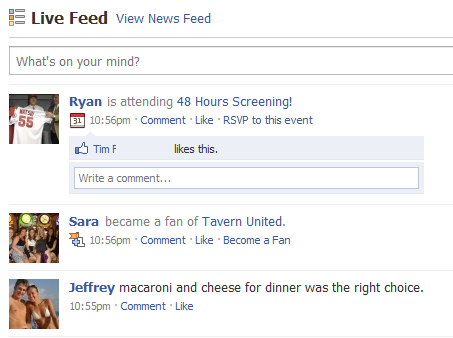 One thing I noticed when I compared my Facebook Live Feed to the feed displayed in 3rd party applications like TweetDeck was that several of my friends were not appearing in the Facebook Live Feed. My first suspicion was that Facebook was “pruning” the Live Feed to keep it interesting, but a little investigation showed me that there was a very simple fix for this problem.
Displaying All Friends in Facebook’s Live Feed
For some reason, the default number of friends displayed in the Live Feed was set to a number lower than the total number of my friends. This caused only a fraction of them to show up in the live feed.
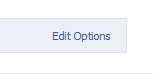
To display all of your friends’ updates in the Live Feed, scroll to the bottom of the homepage and click Edit Options.
 Set the Maximum number of friends shown in Live Feed field to something higher than the total number of friends you have. It wouldn’t hurt to increase the number so you don’t need to adjust it in the future.
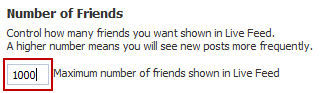 That’s it! Now your Live Feed will display all updates as they occur. If you feel the Live Feed updates too quickly, you can change the maximum number of friends displayed to a lower number.


Leave a Reply
You must be logged in to post a comment.