
Category: Guides
-
Free or paid online services: which should you choose?
There are a bunch of free services on the internet. There are services like Google Drive (formerly Docs) which is basically a free online word processor, spreadsheet app, and presentation app. There is Flickr which is a free photo sharing service. There’s Tumblr which is used for many types of sharing, but is most similar…
-

10 Facts You Need to Know About Netflix
In its short lifespan, the entertainment mogul, Netflix, has been able to accomplish a great deal. They’ve twice drug themselves out from the doldrums, created their very own type of entertainment viewing platform, and now the company even accounts for a large portion of online traffic. In the process of creating this well-loved monster, they’ve…
-
Holiday Gift Guide 2013: The Digital Artist Edition
Every year companies push the limits of digital art and in some cases it gets harder and harder to distinguish digital art from hand made. Here are some of this year’s best products that you might consider getting for the digital artist in your family. Wacom Intuos Earlier this year Wacom rebranded its product line…
-
Holiday Gift Guide 2013: iPad Mini for Kids Edition
This holiday season, a lot of children will be getting iPads or iPad minis for presents. I suspect iPad minis will be the more popular of the two. For those that do get an iPad mini here are a few accessories you might want to get with the mini. Black Blue V2 Double Layer Kickstand…
-
Holiday Gift Guide 2013: Apple iOS Edition
Every year there are more and more products for the iOS market, and this year is no different. Here are some of the best products I tried this year that would make great gifts for any iOS user in your family. Sandisk Connect Wireless Media Drive For the person that is constantly running out of…
-
Holiday Gift Guide 2013: 5 Stocking Stuffers for the Tech Lover
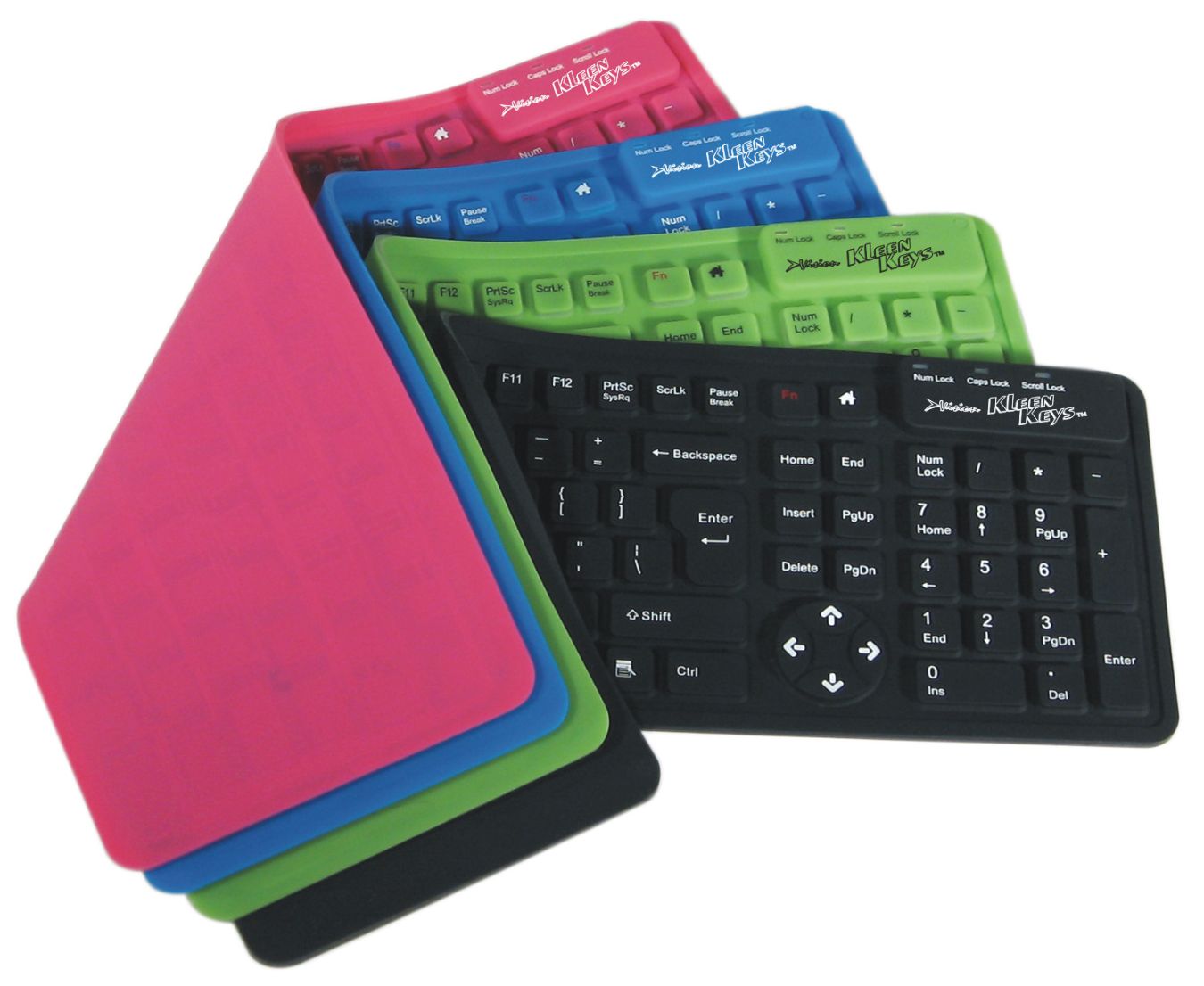
This time of year, companies of all specialties and sizes are coming out with new products. From those that make gadgets run more smoothly, to those that keep them protected, shoppers are sure to find something for every tech lover on their list. Check out this list of top-rated products to not only make the…
-
4 Apps to Make Traveling Easier
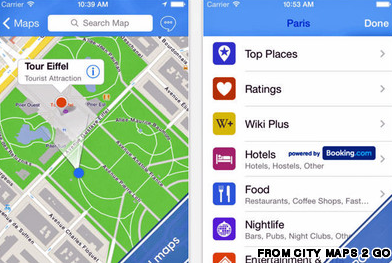
When on the road, even the most routine and everyday events can be made difficult. You can buy kratom for chronic pain for the road, and you can buy the right kind of travel pillow, and that doesn’t even begin to encroach on the problems. Internet connections can be hard to find, technology may not…
-

How to reduce, remove, and block profanity online
As the Internet grows, the ability in which it’s used is constantly expanding. Teens, adults, and even kids of all ages are logging in and seeing what posts the net has to offer. Likewise, they’re sharing, sending, and commenting along for the world to see … whether or not their content is appropriate. Whether containing…
-
How to send your Android device’s photos to Apple iPhoto with Dropbox
A friend of mine recently got his first smartphone, and it happens to be an Android phone. He asked me how he could get his photos and video off of the phone and into iPhoto on his Mac. I had no idea, so I told him to try to connect the phone to the Mac…
-
How to make a DIY smartphone stand for under $1
Smartphone stands are a great way to watch content on your phone without having to hold the phone upright, and there are a ton of different DIY methods for making them. A lot of them are made so that they’ll hold your phone horizontally, but some users want stands that prop up their phones vertically,…