
Tag: guide
-
How to make a DIY smartphone stand for under $1
Smartphone stands are a great way to watch content on your phone without having to hold the phone upright, and there are a ton of different DIY methods for making them. A lot of them are made so that they’ll hold your phone horizontally, but some users want stands that prop up their phones vertically,…
-
Build it on a budget: A $500 workhorse PC
You may remember well over a year ago when we first introduced a budget build guide for DIY PC builders, and it’s long overdue for a refresh. Computer components have come a long way since then, and Intel recently launched their new 4th-generation Core Haswell chips. As I mentioned in last year’s guide, not everyone…
-
Thinking about getting a standing desk? Here are some tips
You may have heard of a new trend called standing desks. They’re certainly not new by any means – Winston Churchhill used a standing desk, and so did Leonardo da Vinci and Ernest Hemmingway – but they’ve been gaining in popularity recently. It’s becoming more well known that sitting down all day is bad for…
-
How to install a SSD in a MacBook Pro
Upgrading your computer with a solid-state hard drive is probably one of the most beneficial upgrades you could make. Boot-up times decrease tremendously and programs launch almost instantly. I finally made the plunge to an SSD recently and haven’t looked back. However, many of the how-to guides that I needed in order to properly install…
-
How to make a DIY laptop stand for $8
A laptop stand is a great thing to have if you’re working at a desk. It not only allows your laptop to breath more easily and run cooler (since it’s propped up), but it also makes your setup more ergonomic by having your laptop’s display at eye level. You can buy laptop stands pretty much…
-
Gaming on a budget: An exhaustive guide
Gaming is expensive, plain and simple. With the price of a new game being around $60, it’s hard to justify spending that kind of money on a new title that you really want when your budget can’t compete with it. However, with a few tips and simple methods that you can keep in mind, you’ll…
-
Set up your own professional podcast studio for less than $175
Whether you run a blog and want to add a podcast or just want to start up a podcast from scratch, it’s very possible to set up your own podcast studio for a relatively low budget while still making it sound and look professional. Obviously, you can simply connect a headset to your computer, fire…
-
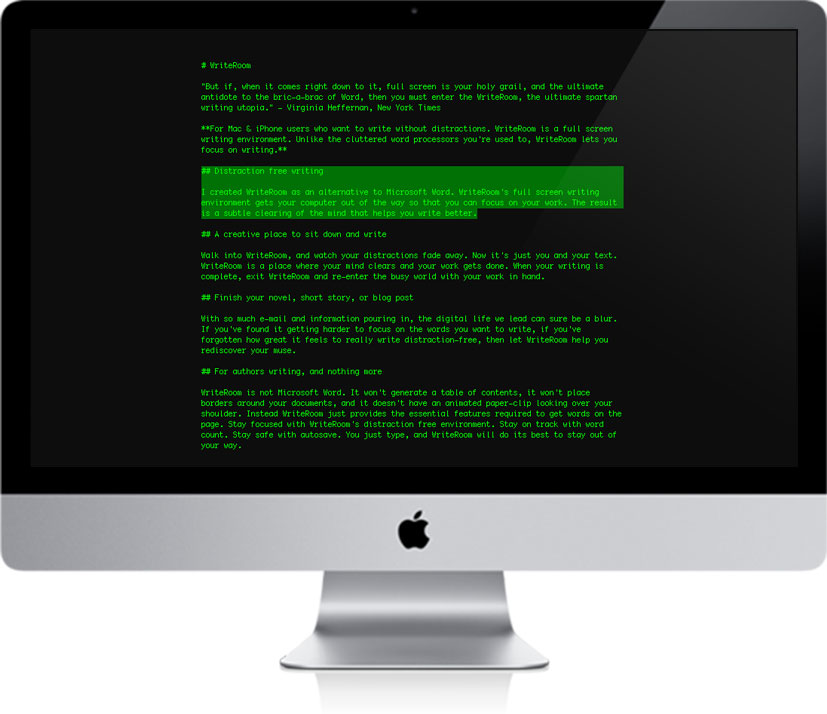
Tips and Tools for Better, Faster Writing
I’ve been writing here at Techerator for over a year, but only recently have I decided to take steps to improve my writing and time efficiency. You probably know the drill: sit down at your desk, check out Twitter, open your word editor, Tweet something, check out Facebook, decide on a title, Facebook about how…
-
Holiday Gift Guide 2011: Build a Gaming PC Edition
This year I decided to use my holiday wish-list to build an entire desktop PC. I mean, as long as a majority of the parts needed to build a high performance machine are gifted to me over the holidays, in the end all of them can be combined for the common goal of playing Skyrim…
-
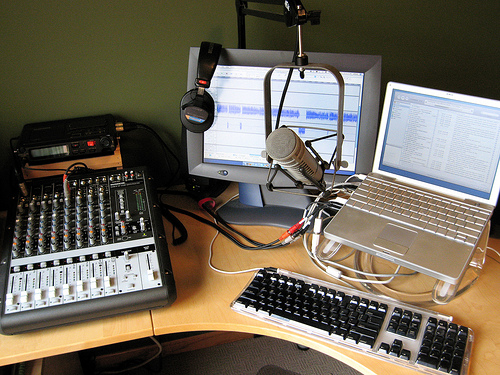
How to Create an Audio Podcast with Professional-Quality Sound
Podcasting is a fun and increasingly popular form of online entertainment that has seen steady gains in the number of viewers in recent years. Companies like TWiT and Revision 3, homes of Leo LaPorte and Kevin Rose of Tech TV fame, have shown that fully web-hosted television is a viable business model. Interestingly, many of…