
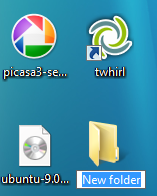
 One of the features I have always wanted in Windows is the ability to create a new folder with a keyboard shortcut. This simple feature was available in my first operating system, Mac OS 7, and I’ve habitually tried it with every version of Windows I’ve used since. Finally, Windows 7 contains this fantastic shortcut.
To create a new folder with a keyboard shortcut in Windows 7, press CTRL + SHIFT + N.
While this may not be life-changing news, it’s a great to see Microsoft finally adding a quick way to create a new folder.
Leave a Reply
You must be logged in to post a comment.