
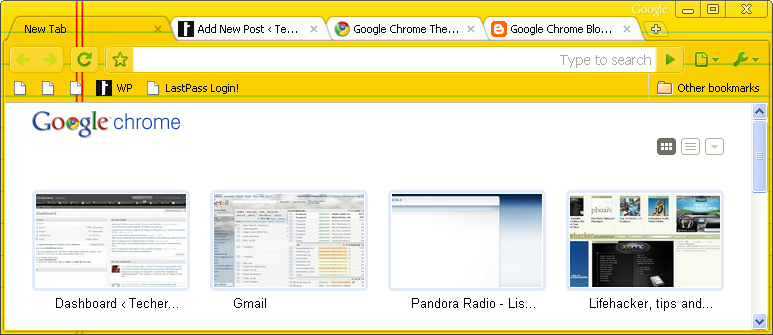
 Do you use Google Chrome? Do you like themes? If so, I’ve got great news for you – you can now have both! The new beta version of Chrome adds theme support and a gallery of nearly 30 themes designed by Google.
Here’s how to add themes to Chrome:
- Download and install Chrome Beta (this is different than the standard version of Chrome you may already be using)
- Check out the Chrome Themes Gallery
- Preview themes by clicking on the thumbnail, or add one instantly by clicking ‘Apply theme’
A few of my favorite themes so far: Glow, Glossy Blue, Greyscale, and Earthy.

And my least favorite: Legal Pad.
The theme gallery is fairly limited so far, but the Google Chrome Blog explains that more themes will be added in the future as this feature becomes integrated in the stable version. Chrome Beta has some other great features (like customizing the New Tab page and an improved “Omnibar”), so let us know what you think in the comments!
Leave a Reply
You must be logged in to post a comment.